
 Integrations: Bubble
Connect MagicalAPI with Bubble to build no-code applications that automate resume parsing, candidate screening, resume matching, and LinkedIn data enrichment using powerful AI APIs.
Get Started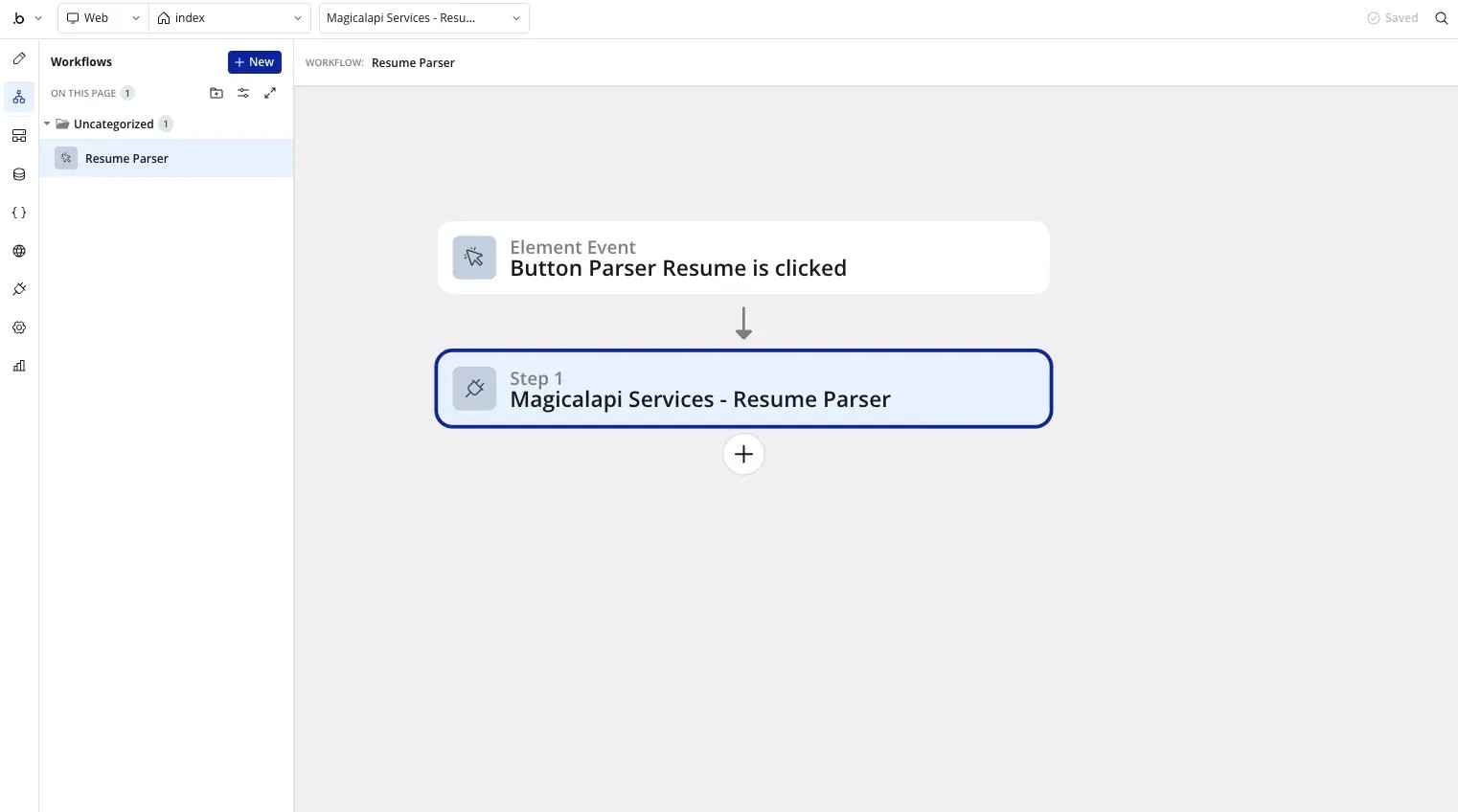
About Bubble
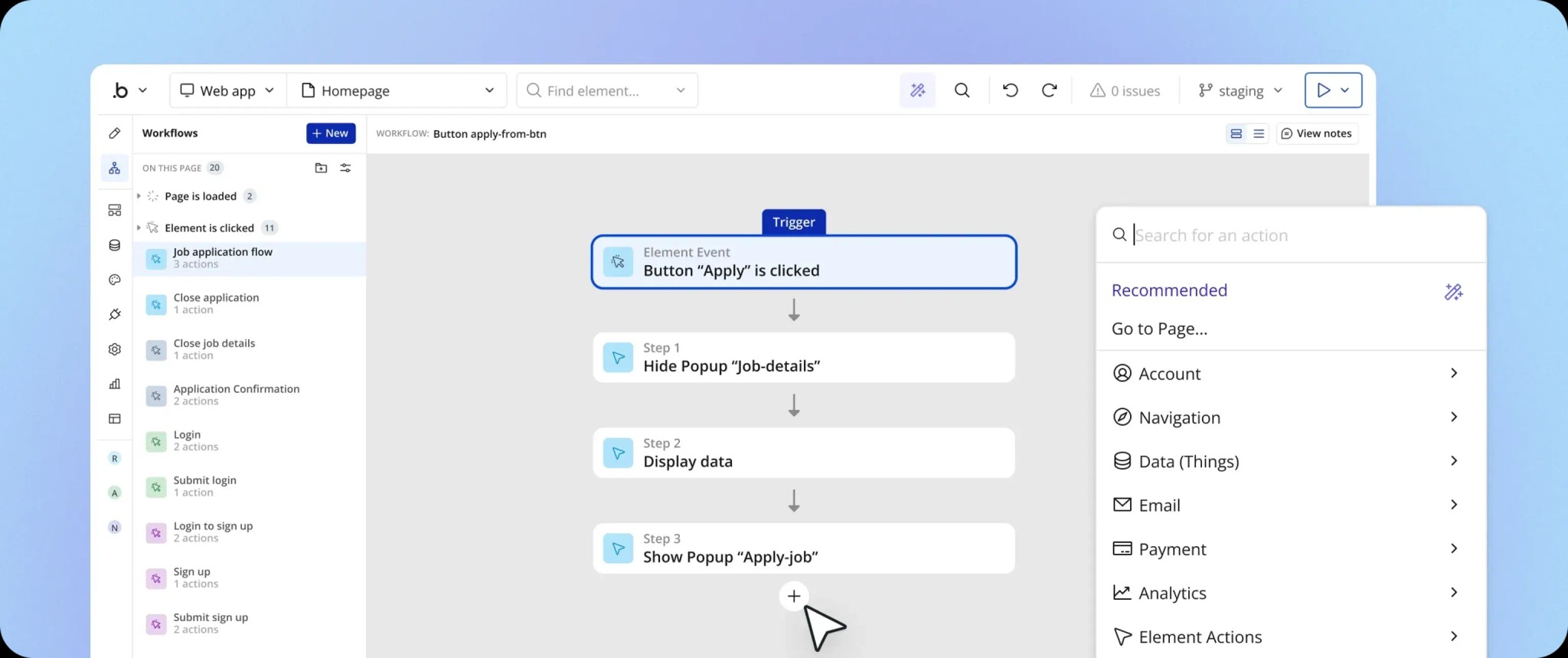
Bubble is a no-code application builder that lets you create web applications visually without writing backend code. By connecting MagicalAPI with Bubble, you can bring resume parsing, resume scoring, resume review, and LinkedIn data directly into your applications using simple workflows and API calls.
Whether you’re building a recruiting platform, an HR dashboard, or a lead generation tool, Bubble makes it easy to integrate MagicalAPI into your product.
Bubble Features
- Build applications without traditional backend development
- Visual workflow editor
- Native API Connector support
- Connect with third-party services
- Rapid MVP and SaaS development
- Flexible database and user management
Why Use MagicalAPI with Bubble?
Bubble gives you complete control over your application’s interface while MagicalAPI handles the heavy lifting behind the scenes.
With this integration, you can:
- Parse resumes submitted by users
- Automatically review resumes and generate feedback
- Match resumes against job descriptions
- Retrieve LinkedIn profile information
- Enrich company records using LinkedIn Company Data
- Build recruiting, HR, and sales tools without building AI models yourself
Instead of spending months developing document processing or data extraction systems, you can focus on building your product while MagicalAPI provides the intelligence through simple APIs.
Real-World Examples
Here are a few ways teams use Bubble with MagicalAPI:
- Build an ATS that automatically parses every uploaded resume.
- Create a job application portal with instant resume feedback.
- Develop a recruiting CRM that enriches candidate profiles using LinkedIn data.
- Build an internal HR dashboard that scores applicants before recruiters review them.
- Create a sales application that enriches companies automatically.
How It Works
Getting started only takes a few steps:
2. Connect MagicalAPI using Bubble’s API Connector.
3. Add your API key.
4. Choose the endpoint you want to use.
5. Display the results anywhere inside your Bubble workflows.
Once configured, your application can process resumes or retrieve business data automatically.
Get Started Today
MagicalAPI Pro gives you full API access for Bubble applications. After connecting your API key, you can start building intelligent workflows in minutes.
Whether you’re launching an MVP or scaling a production platform, Bubble and MagicalAPI help you build faster with reliable AI-powered APIs.
Read our full blog post about Bubble + MagicalAPI
Related Posts
Expert articles, product updates, and practical guides covering resume tools, LinkedIn data solutions, and hiring automation.