
 Integrations: n8n
Connect MagicalAPI with n8n to automate resume processing, candidate screening, and LinkedIn data enrichment through flexible workflow automation.
Get Started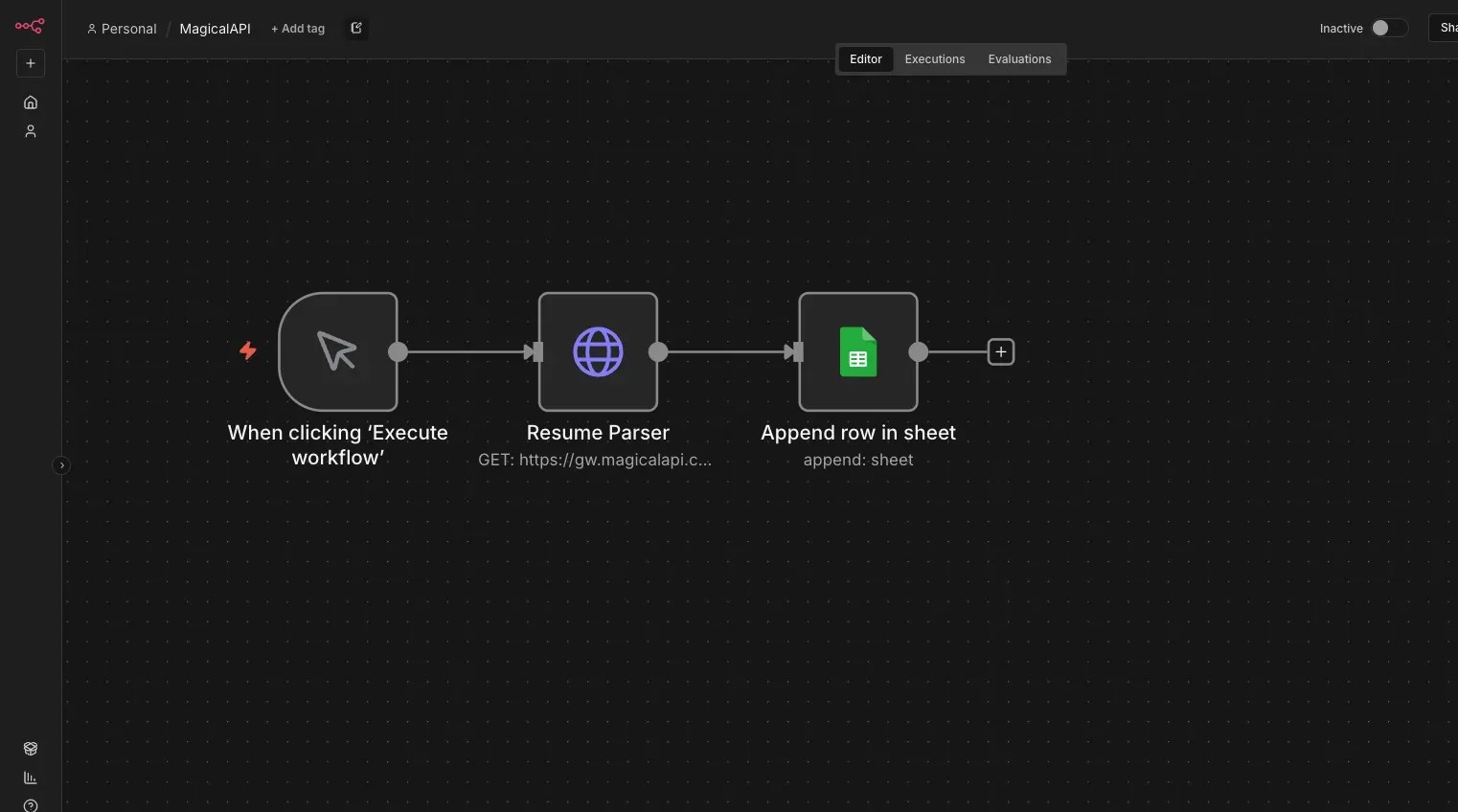
About N8N
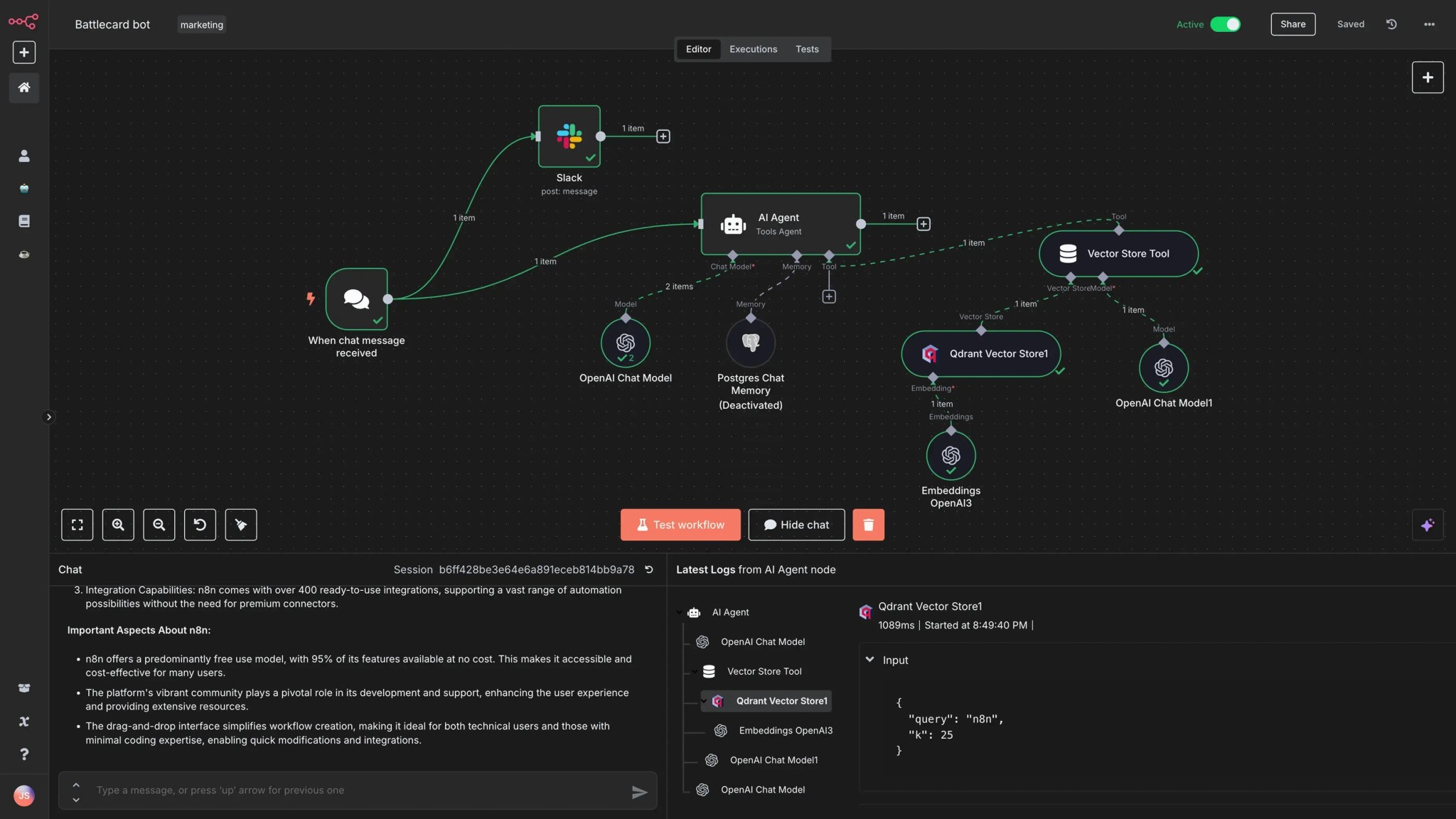
N8N is a workflow automation platform that allows you to connect APIs, databases, and business applications using flexible visual workflows. By integrating MagicalAPI with n8n, you can automate resume processing, candidate screening, and LinkedIn data enrichment without manual work.
Because n8n supports custom API requests and advanced workflow logic, it’s a great choice for businesses that need more control over their automation.
N8N Features
- Open-source workflow automation
- Self-hosted or cloud deployment
- Visual workflow builder
- HTTP Request support
- Conditional logic and branching
- Connect hundreds of applications
Why Use MagicalAPI with N8N?
Combining n8n with MagicalAPI lets you automate repetitive business processes while keeping your existing tools connected.
You can:
- Process resumes automatically when files arrive
- Score candidates before sending them to recruiters
- Extract LinkedIn profile information for CRM enrichment
- Update company records using LinkedIn Company Data
- Send results to Slack, Google Sheets, Airtable, Notion, or your own systems
- Build custom recruitment and sales workflows without writing complex integrations
This reduces manual work, improves consistency, and helps your team respond faster.
Real-World Examples
Teams use n8n and MagicalAPI for workflows like:
- Parse resumes received by email and save structured data into a database.
- Score applicants and notify recruiters only when candidates meet a target score.
- Enrich CRM contacts using LinkedIn profile data.
- Update company records every time a new lead is created.
- Route processed candidate information into internal HR systems.
How It Works
Setting up the integration is straightforward:
2. Add an HTTP Request node.
3. Connect your MagicalAPI account using your API key.
4. Select the endpoint you want to use.
5. Send the results to the next step in your workflow.
Once published, the workflow runs automatically whenever your trigger is activated.
Get Started Today
Use MagicalAPI with n8n to automate resume intelligence and LinkedIn data workflows across your business.
Whether you’re building recruiting automations, sales pipelines, or internal operations, MagicalAPI provides the data while n8n connects everything together.
Related Posts
Expert articles, product updates, and practical guides covering resume tools, LinkedIn data solutions, and hiring automation.